Quick answer: A spreadsheet works while you have few suppliers and products. A consultant helps when you’re not sure where to start. EUDR software helps once your supplier and product data grows. Many companies combine them: a consultant to set things up, software to run the process day to day.
Key takeaways
- Companies often handle EUDR data with a spreadsheet, a consultant or EUDR compliance software.
- The right choice depends on how many suppliers and products you have, not on how long a feature list is.
- A consultant advises. Software organises data. They solve different problems.
- Software cannot tell you which rules apply to your company.
- Before you pick an EUDR platform, check how it collects data from suppliers, because that is often where the work sits.
The EU Deforestation Regulation (EUDR) covers products linked to commodities such as cattle, cocoa, coffee, oil palm, rubber, soya and wood. If you want the basics first, read our guide EUDR Explained.
Say you already know EUDR matters to your business. The next question is a practical one: where does all the data live, and who looks after it? There are three common answers, and this article walks through each so you can pick the one that fits.
What is EUDR software?
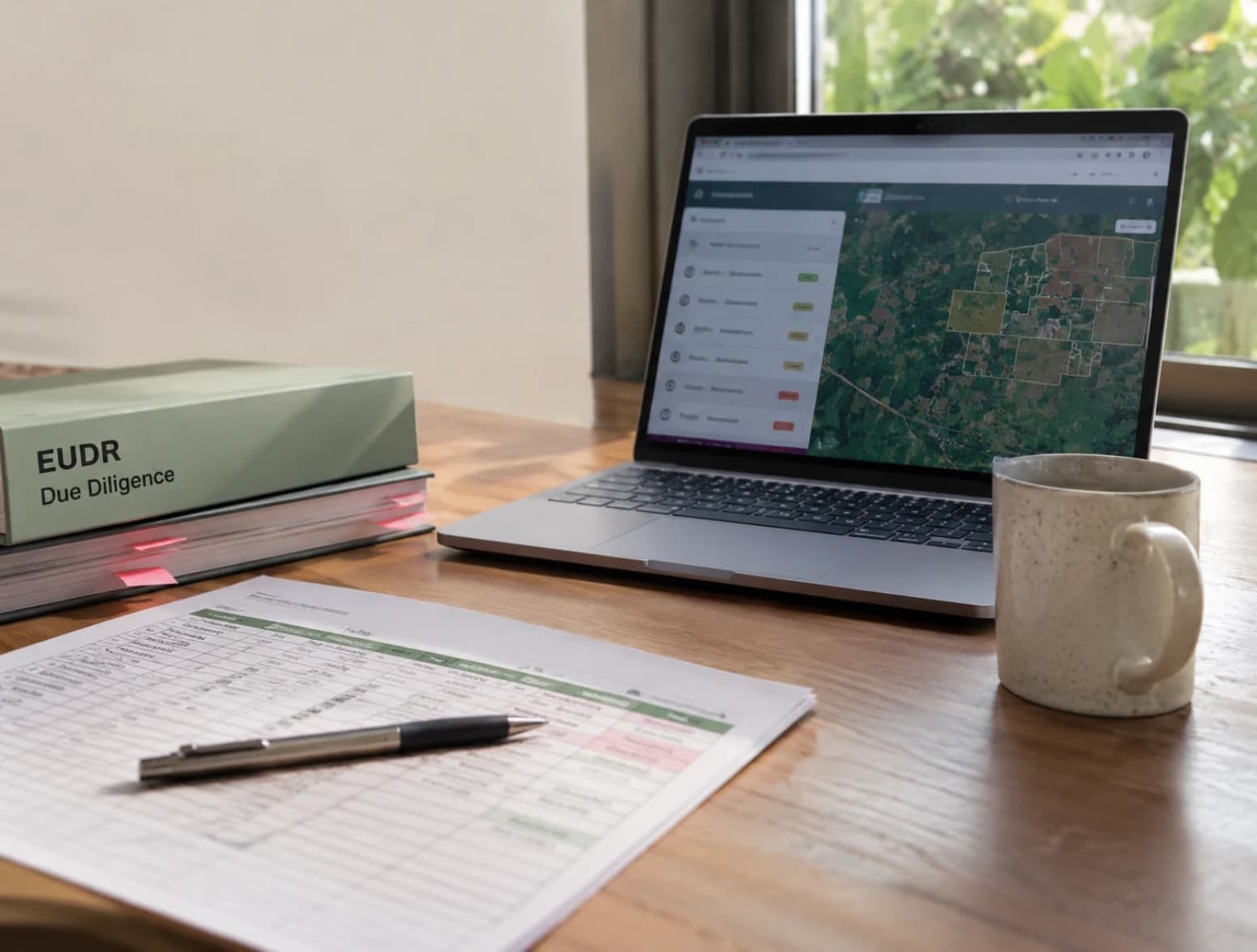
EUDR software is a tool that keeps your EUDR data in one place: products, suppliers, geolocation and supporting documents. You will also see it called an EUDR platform or EUDR compliance software. The names describe the same kind of tool, so compare features rather than labels. Features differ from provider to provider.
What EUDR data do companies actually work with?
What you need depends on your role and your products, but the list usually looks like this:
- Product details, such as what the product is and how much you handle
- Supplier and producer details
- Where the goods were produced, often given as plot coordinates (geolocation)
- Supporting documents that back up each data point
- The results of your own checks and notes
All of it has to be collected, stored together and easy to find later. Our guide to the EUDR due diligence statement (DDS) shows how this data ends up in a declaration.
One data point is easy. Getting it from dozens of suppliers, in dozens of formats, and keeping it current is the real work.
Option 1: Is a spreadsheet enough for EUDR data?
It can be, for a while. Many companies start with a spreadsheet, and for good reason. It is familiar, cheap to run and quick to set up.
Where it gets difficult:
- Suppliers send files in different formats, so someone has to retype data.
- Several versions of the same file end up in circulation.
- It is hard to see at a glance which supplier still owes you what.
- Documents sit in separate folders, away from the data they support.
Good for: a few suppliers, a few products, a small team and a company that is still learning what it needs.
Option 2: When does an EUDR consultant make sense?
A consultant helps you make sense of your situation and set up a way of working. That is useful when you are not sure how the rules apply to your role and your products.
What you get:
- A clearer picture of your role and which data you need to collect
- A process for collecting and checking that data
- Training and guidance for your team
Where it has limits: A consultant usually advises and does not run your daily data collection, unless you agree that in advance. Support is often a project, so the know-how can leave when the project ends if it is not documented.
Good when: you are unsure where to start, or you want a clear process in place before you invest in a tool.
Option 3: What does EUDR software or an EUDR platform do?
Typical features are:
- A central record of products, suppliers and documents
- Requests and reminders sent to suppliers
- A status view that shows what is still missing
- A record of who changed what
- Exports of your data when you prepare a declaration
The catch: Tools differ a lot in what they cover, and setup takes time. Software is also only as good as the supplier data going into it, and it cannot tell you whether a rule applies to you.
Worth considering when: you have many suppliers or products, the data arrives in many formats and your team spends too much time chasing and retyping.
Spreadsheet vs consultant vs EUDR software: which fits?
| Spreadsheet | Consultant | EUDR software | |
| Best for | A few suppliers and products | Not sure where to start | Many suppliers or products |
| Main strength | Familiar and quick to set up | Clarity on your role and data needs | One place for data, with gaps visible |
| Main limit | Gets messy as data grows | Usually advises, does not run daily data work | Setup takes time; only as good as the data |
| Who does the daily work | Your team | Your team, guided by the consultant | Your team and suppliers, inside the tool |
Treat this as a rule of thumb. Count your suppliers and products first, then think about how much time your team can spare. If you spend more time chasing suppliers than reading what they send, a spreadsheet has probably stopped being enough.
You don’t have to pick only one. A common route is a consultant to set up the process and software to run it.
10 questions to ask before you choose EUDR software
Put these to every provider you talk to. Many of them overlap with our checklist for choosing PPWR compliance software, so that is worth a look too.
- How does the tool collect data from suppliers: by email, through a supplier portal or by file upload?
- Can your suppliers use it without long explanations? If they need help, supplier training can make a big difference.
- Can it handle geolocation data in different formats?
- Can you see at a glance which suppliers or products still have gaps?
- How are documents stored and linked to the right product or supplier?
- Who can see and change which data, and is there a record of changes?
- Can you export your data in a form you can reuse when you prepare a declaration?
- Where is the data hosted and how is it protected?
- How does the provider keep the tool up to date when rules or official guidance change?
- What does it cost to start, and how does the price change when you add suppliers?
A simple example
Picture a company with 40 suppliers in several countries. It starts by emailing each supplier and pulling everything into one spreadsheet. A few weeks in, files arrive in different formats, two versions of the spreadsheet are floating around and nobody can say which suppliers have not replied.
So the company brings in a consultant to work out its role and the data it needs, then moves everything into an EUDR platform where suppliers upload their own information and the team can see the gaps. The consultant sets up the way of working. The software keeps it running.
Common misunderstandings
“Software makes us compliant.” Software helps you organise data. Whether and how the rules apply to your company still needs people who understand them.
“A spreadsheet is always enough.” It can work while your data is small. It becomes hard to manage as suppliers and products grow.
“A consultant will collect all our data.” A consultant usually advises and sets up the process. Day-to-day data collection typically stays with your team unless you agree otherwise.
“One tool fits every company.” Tools differ in what they cover. Match the tool to your own suppliers and products.
Where PackIntelX fits
PackIntelX supports companies with EUDR consulting. We help you clarify your role and understand which data you need.
Separately, our PPWR platform (built for packaging rules, not EUDR) includes a supplier portal for collecting supplier information in one place. If you are not sure which option fits you, book a consultation and we will look at your situation together.
Looking for more? Browse all our blog guides on EU packaging and supply chain rules.
Frequently asked questions
What is EUDR software?
EUDR software is a tool that helps companies keep EUDR-related data in one place, for example product details, supplier information, geolocation data and supporting documents. Features differ by provider.
What is the difference between an EUDR platform and EUDR compliance software?
In most cases there is no fixed difference. Providers use both names for tools that organise EUDR data. Compare the features rather than the names.
Do I need EUDR software?
Not always. With a few suppliers and products, a spreadsheet can work for a while. When your data grows or comes in many formats, software usually saves time.
Can a spreadsheet be enough for EUDR data?
It can be enough while your data is small. Problems usually start with many suppliers, different file formats and several versions of the same file.
Can a consultant replace EUDR software?
No. A consultant advises and helps you set up a way of working. Software stores and organises your data day to day. You can use both.
What features should EUDR software have?
Look for a central record of products, suppliers and documents, a way to request and track supplier data, a view of what is missing and a record of changes. Which features matter most depends on your suppliers and products.
How much does EUDR software cost?
Pricing differs by provider. It often depends on factors such as the number of suppliers, products or users, so ask each provider for a quote based on your own numbers.
How do I choose an EUDR platform?
Start with the number of suppliers and products you have. Then ask how the tool collects supplier data, shows gaps, stores documents and handles changes. The 10 questions in this article help you compare providers.
This article gives general information and is not legal advice.